Your user dashboard shows everything about your upcoming and past bookings: dates, times and locations of your trips, the boat details, the charter company's contact details, the extras you booked and the payment plan you chose.
How to log in
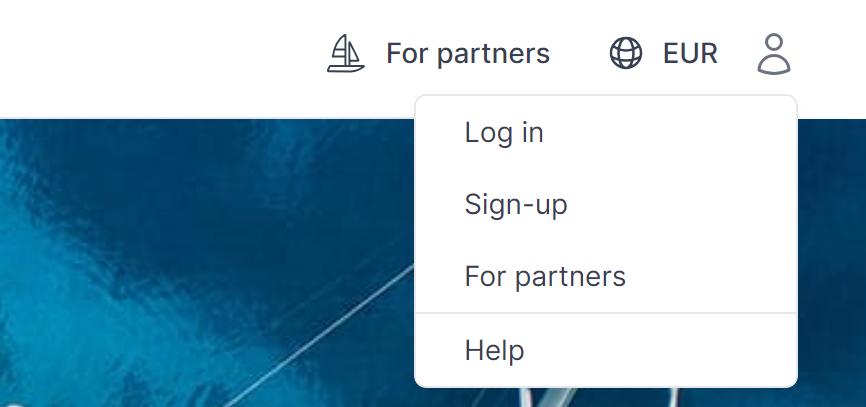
Click the person icon in the top right corner of our website and choose "Log in". Enter your email address and password, or continue with Google or Facebook. After you log in, you land on your dashboard.
If you have booked with us before, you most likely already have an account under the email address you used for the booking.
Forgot your password?
On the login page, click "Reset password" and enter your email address. We send you an email with a link to set a new password.
No email after a few minutes? Check your spam folder first. If it is not there either, no account exists for that email address. Create one with the same email address you used for your booking.
How to create an account
Click the person icon, choose "Sign-up" and follow the steps. Once your account exists, you can open your dashboard and manage your bookings.